

November 10, 2026
10 Best Headless CMS Platforms for Next.js E-commerce in 2026

Kausar
A Next.js store needs two kinds of information: content that helps someone choose a product, and commerce data that lets them buy it. The CMS can manage buying guides, campaign pages and product stories. Prices, inventory and orders usually belong in a commerce system with its own rules.
The best headless CMS for Next.js e-commerce depends on who publishes content, how the catalog connects to it and who will maintain the integration. A visual editor may matter more than a flexible query language for one team. Another may need control over its database before anything else.
This shortlist covers ten platforms with documented Next.js integrations or APIs suitable for a separate storefront. It is a documentation-based comparison, not a performance benchmark. The order is for navigation, not a scored ranking. Feature and pricing pages were checked on 9 November 2026; confirm the plan that covers your actual requirements before signing a contract.
Define the CMS and commerce boundary first
For a typical store, give the CMS ownership of editorial copy, navigation, campaign layouts and localized stories. Keep sellable product IDs, prices, stock, checkout and orders in the commerce backend. Connect the two using stable product identifiers instead of copying the full catalog into every page entry.
For example, a winter campaign page could hold its heading, images, buying advice and selected product IDs in the CMS. Next.js combines that content with current product information from the commerce API. The checkout service remains responsible for the final price and stock check.
A CMS publish webhook can refresh an editorial page. Inventory changes need their own update strategy. A successful CMS preview does not prove that discounts, delivery charges or checkout work correctly.
Payload is a different option in this list because its commerce plugin supplies product, cart and transaction collections. Even there, the implementation must cover the store's operational requirements. The plugin's documented boundaries matter as much as its starter template.
For a broader framework comparison, see our CMS guide for Next.js. This article focuses on the storefront decisions that a general CMS comparison can miss.
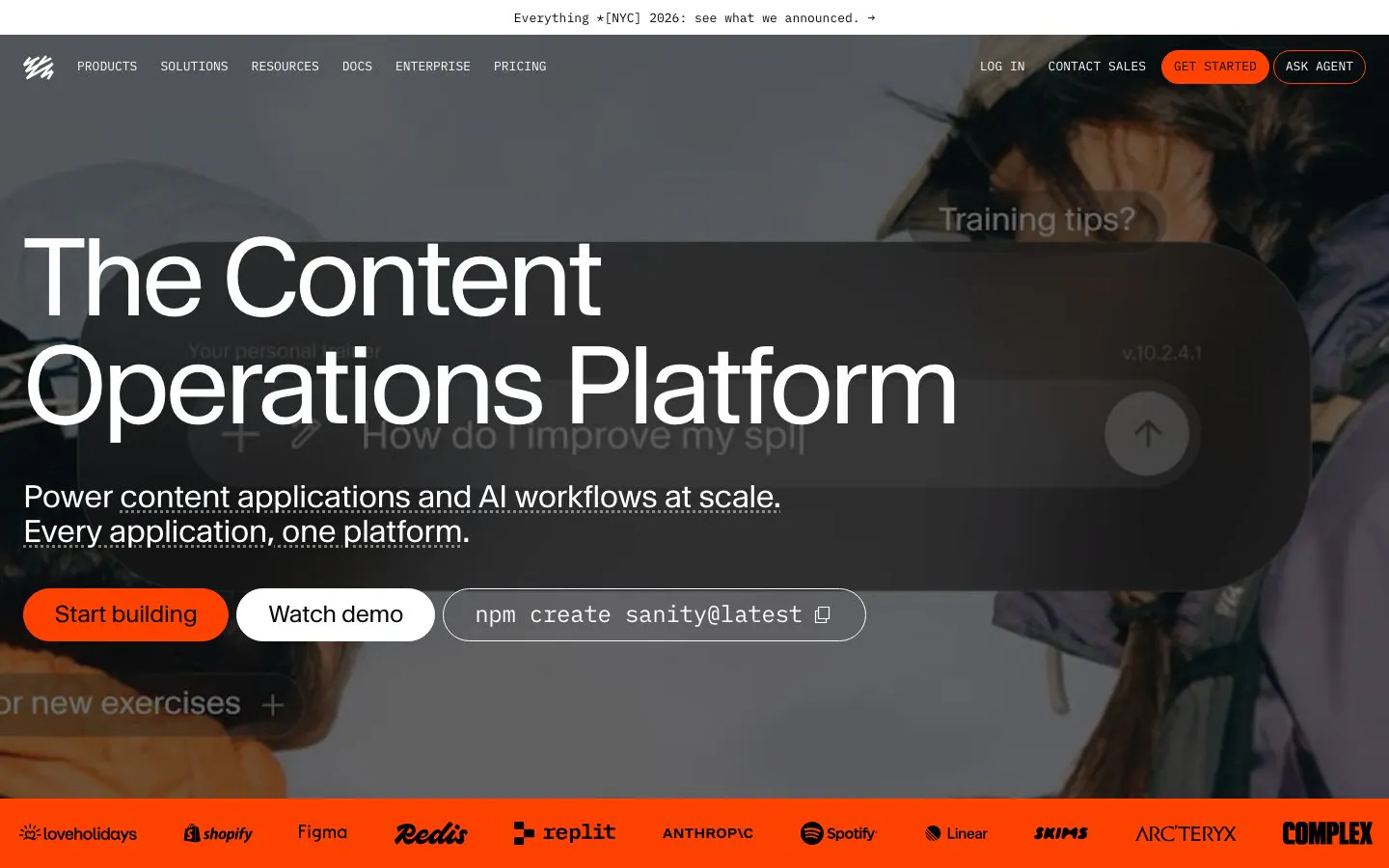
1. Sanity: a flexible content model for product storytelling
Sanity suits stores whose editorial content spans product stories, buying guides and reusable campaign sections. Its Next.js documentation covers content queries, live content, visual editing, caching and webhook validation. Developers can shape the content model around the store's publishing needs.
In a commerce integration, start by deciding how editors select products and what happens when a referenced product is unavailable. Keep the order and inventory system authoritative. A flexible model still needs validation and an editing interface that the content team can use.
Pros: Customizable content structures; documented Next.js preview and live-content workflows.
Cons: Schema and integration work need developer ownership; a content backend does not replace the store's checkout services.
Cost check: Growth is listed at $15 per seat per month, with usage and plan boundaries to check separately. Review Sanity pricing.
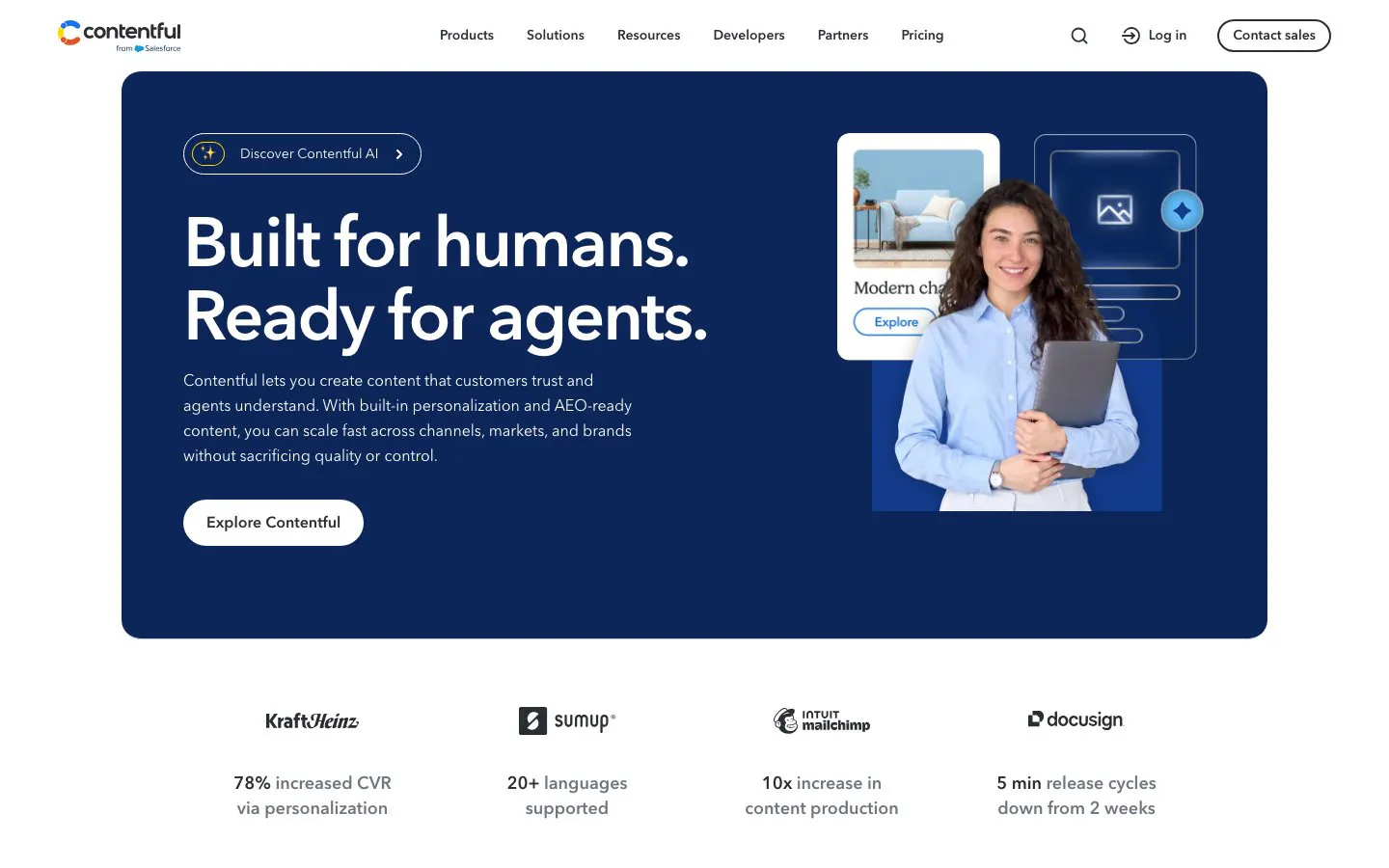
2. Contentful: structured content across storefronts and channels
Contentful is worth evaluating when a store shares content between several sites, regions or digital channels. Its structured content approach can separate reusable product stories from the pages that display them. The Next.js integration work includes fetching the right content and configuring previews for editors.
Contentful distinguishes side-by-side preview from live updates and inspector mode. The latter features require its live preview SDK. Include that work in the delivery scope rather than assuming an account alone provides a finished editing experience.
Pros: Reusable structured content; documented preview tooling for React frameworks such as Next.js.
Cons: Content relationships can become difficult to manage without a clear model; advanced preview requires integration work.
Cost check: The Lite plan is listed at $300 per month. Check space, locale, usage and governance needs against the current plans.
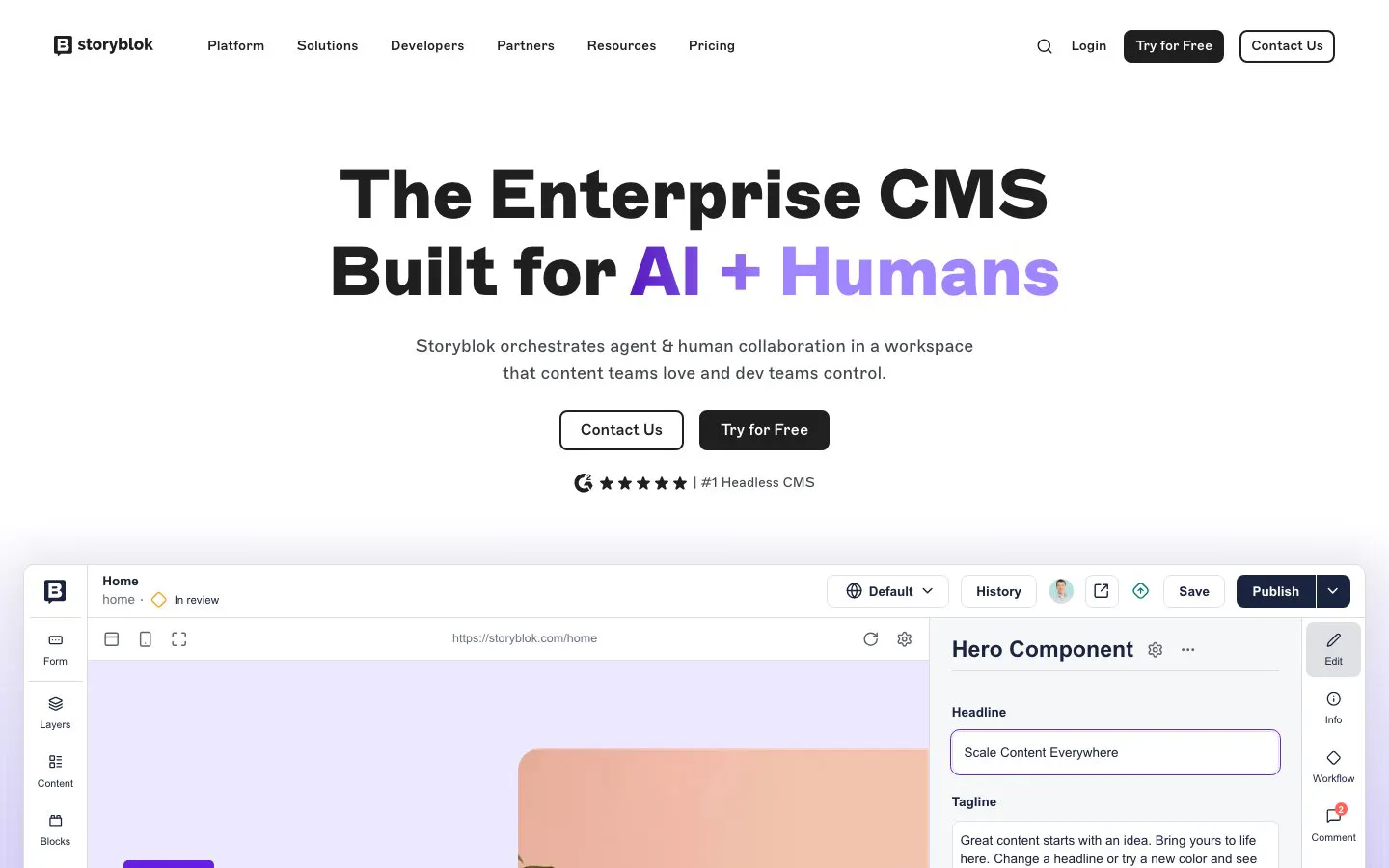
3. Storyblok: visual editing for campaign-heavy stores
Storyblok's component-based content model and Visual Editor make it a useful candidate when marketers regularly assemble promotional pages. Developers connect the CMS components to their Next.js equivalents and add the attributes that let editors select content in the preview.
That component library defines the team's freedom. A well-designed set of sections can support campaigns without allowing every page to drift into a different design. Ask an editor to build a realistic promotion during evaluation, including a product reference and a localized variation.
Pros: Visual page editing; reusable component-based content for repeatable campaign layouts.
Cons: Custom storefront components still need development; integrations and workflow requirements can affect the plan needed.
Cost check: Growth is listed at $99 per month on monthly billing. Annual pricing and optional add-ons differ; verify the plan details.
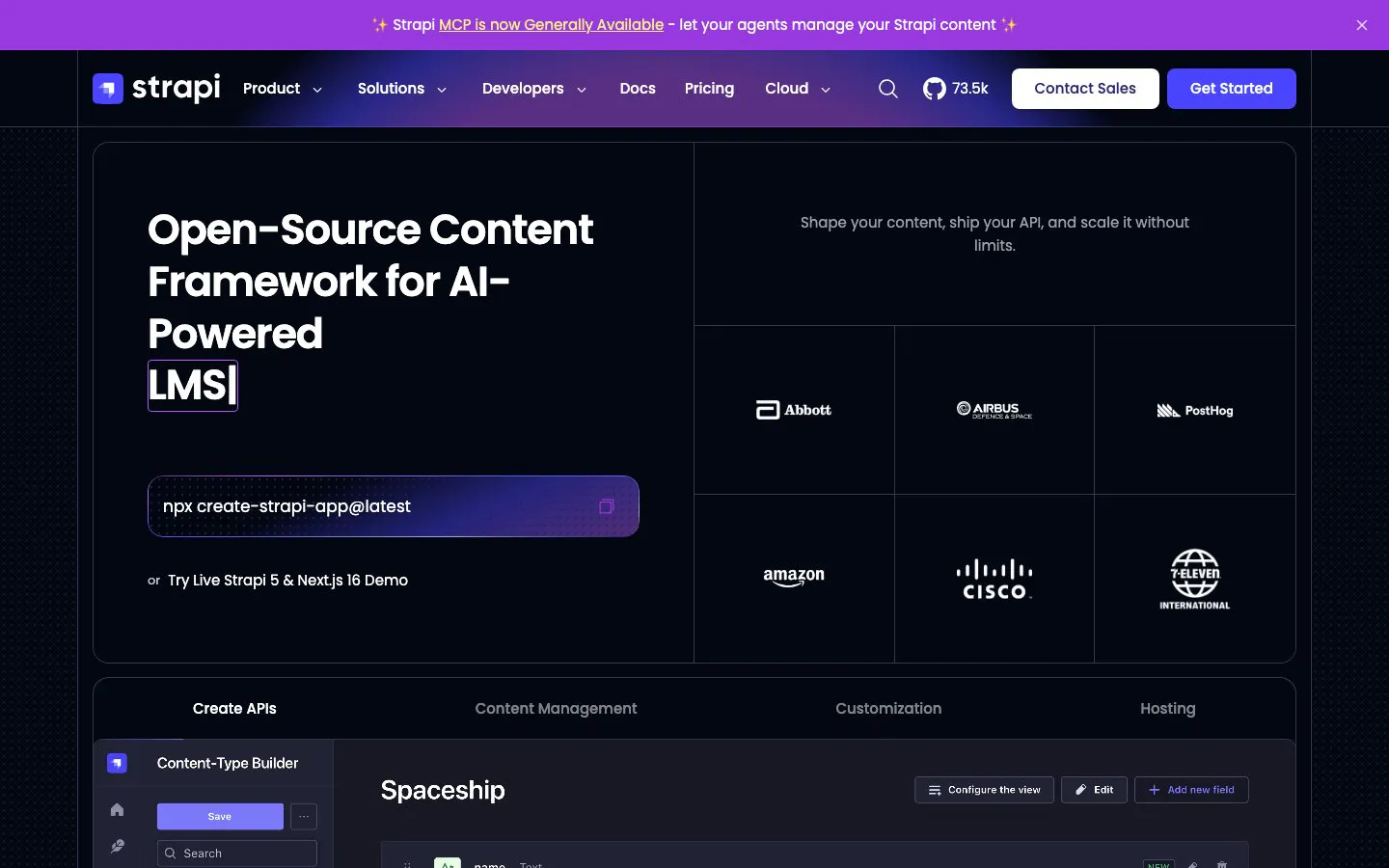
4. Strapi: control over the CMS application and hosting
Strapi is a candidate for teams that want to run and customize their content backend. Its documentation covers content types, REST APIs, GraphQL, draft publishing and deployment. Next.js consumes that content while the commerce backend handles transactional operations.
The operational commitment is part of the choice. Someone must own updates, backups, permissions and recovery if the CMS is self-hosted. A cloud plan changes that responsibility, but does not remove the need to test custom code and integrations.
Pros: Extensible content backend; a choice between self-hosting and managed hosting.
Cons: Operating a custom backend adds maintenance work; some collaboration and governance features depend on the paid CMS plan.
Cost check: Community is free, but CMS feature subscriptions and cloud hosting are separate pricing decisions. Compare CMS plans with hosting plans.
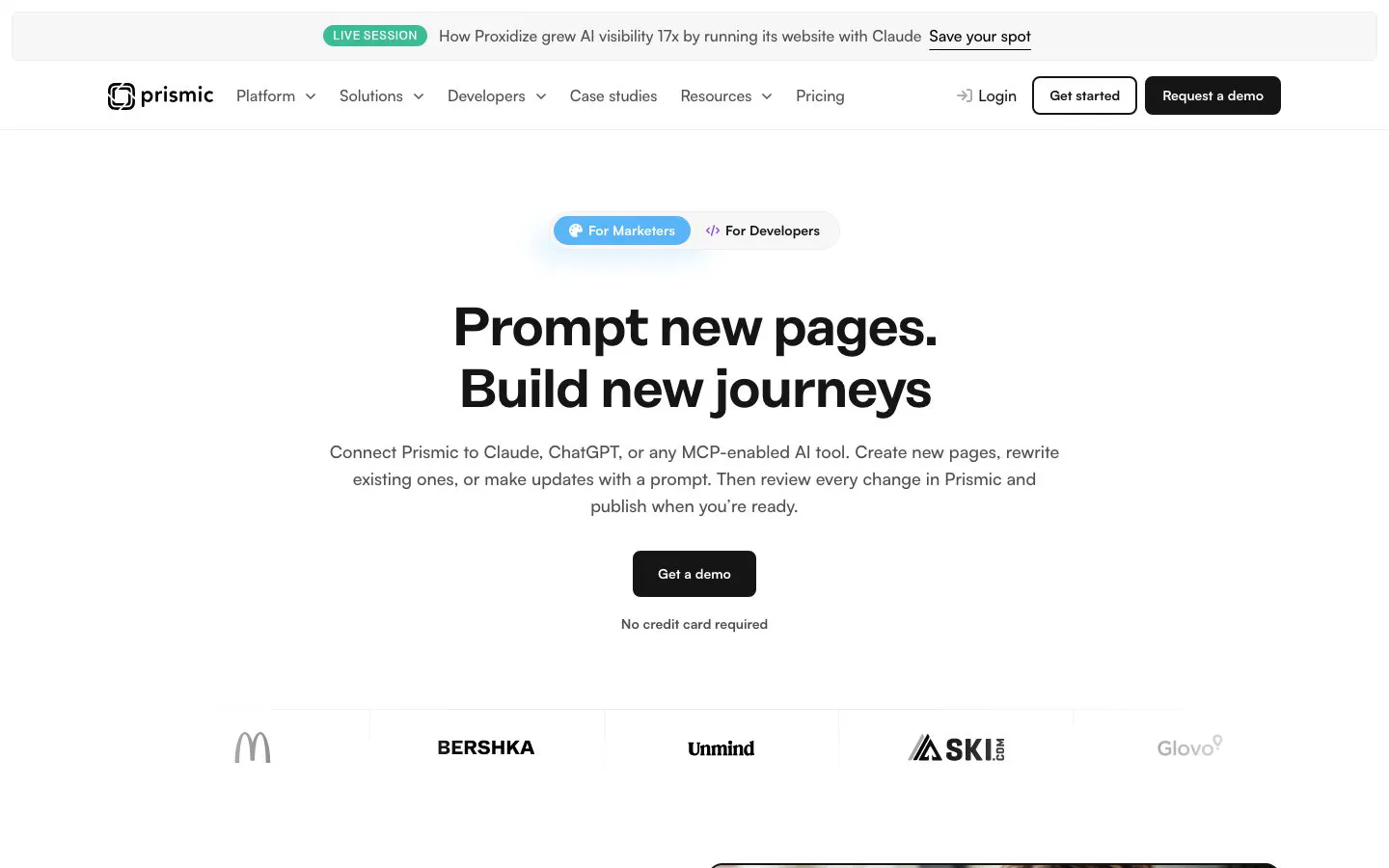
5. Prismic: reusable sections for the storefront's marketing pages
Prismic fits stores that want an editor-controlled marketing site built from a developer-maintained library of page sections. Teams can use those sections for campaigns, buying guides and other content around the transaction flow. Prismic documents Next.js integration and a commerce example that separates site content from Stripe's product and payment responsibilities.
For new projects, use Prismic's current CLI and Type Builder workflow. Older tutorials may still show Slice Machine, which Prismic says is no longer maintained. Evaluate the current setup instead of copying an old starter unchanged.
Pros: Reusable page sections; a clear way to constrain marketing layouts to supported components.
Cons: New section types need development; catalog and checkout integrations must be scoped separately.
Cost check: Starter is listed at $10 per month per repository when billed annually. Check users, locales and workflow needs against Prismic pricing.
Review Prismic's commerce example and current developer workflow.
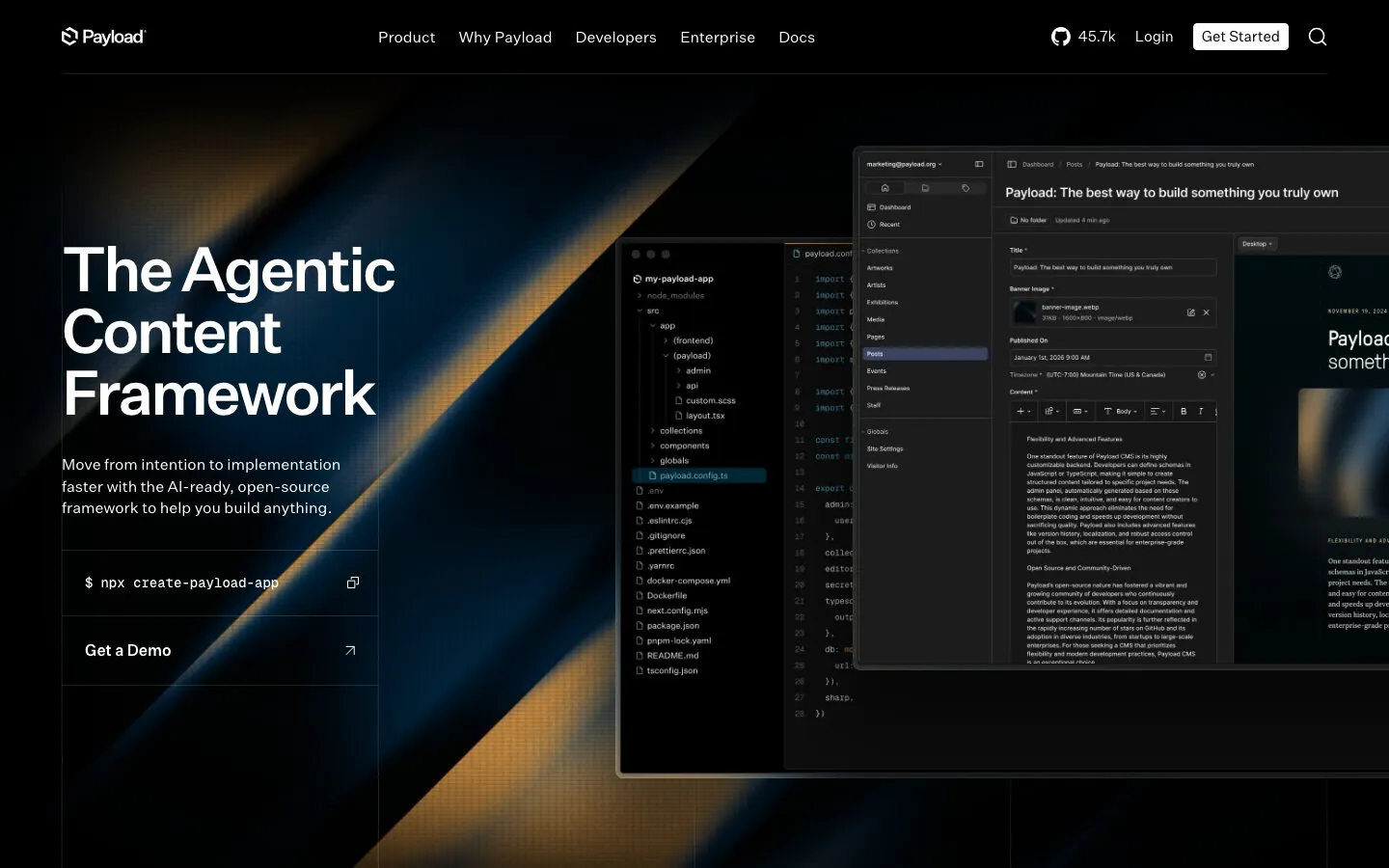
6. Payload: a Next.js application with commerce building blocks
Payload deserves a closer look when the team wants to implement content and commerce within a code-controlled application. Its official e-commerce template uses Next.js, while the commerce plugin provides collections and utilities for products, carts, orders, transactions and payment integration.
The documented plugin does not natively handle shipping, taxes or subscriptions. A starter can help establish the application structure, but those gaps can determine whether it fits the store. Write down the payment, fulfillment and accounting requirements before choosing this approach.
Pros: A Next.js e-commerce starter; extensible commerce collections and payment adapters.
Cons: More application logic remains with your developers; shipping, tax and subscription requirements need additional implementation or services.
Cost check: Budget for application hosting, the database, payment-provider fees and ongoing engineering. Treat the starter as software to operate, not an all-inclusive commerce subscription.
Read Payload's commerce plugin scope and official template README.
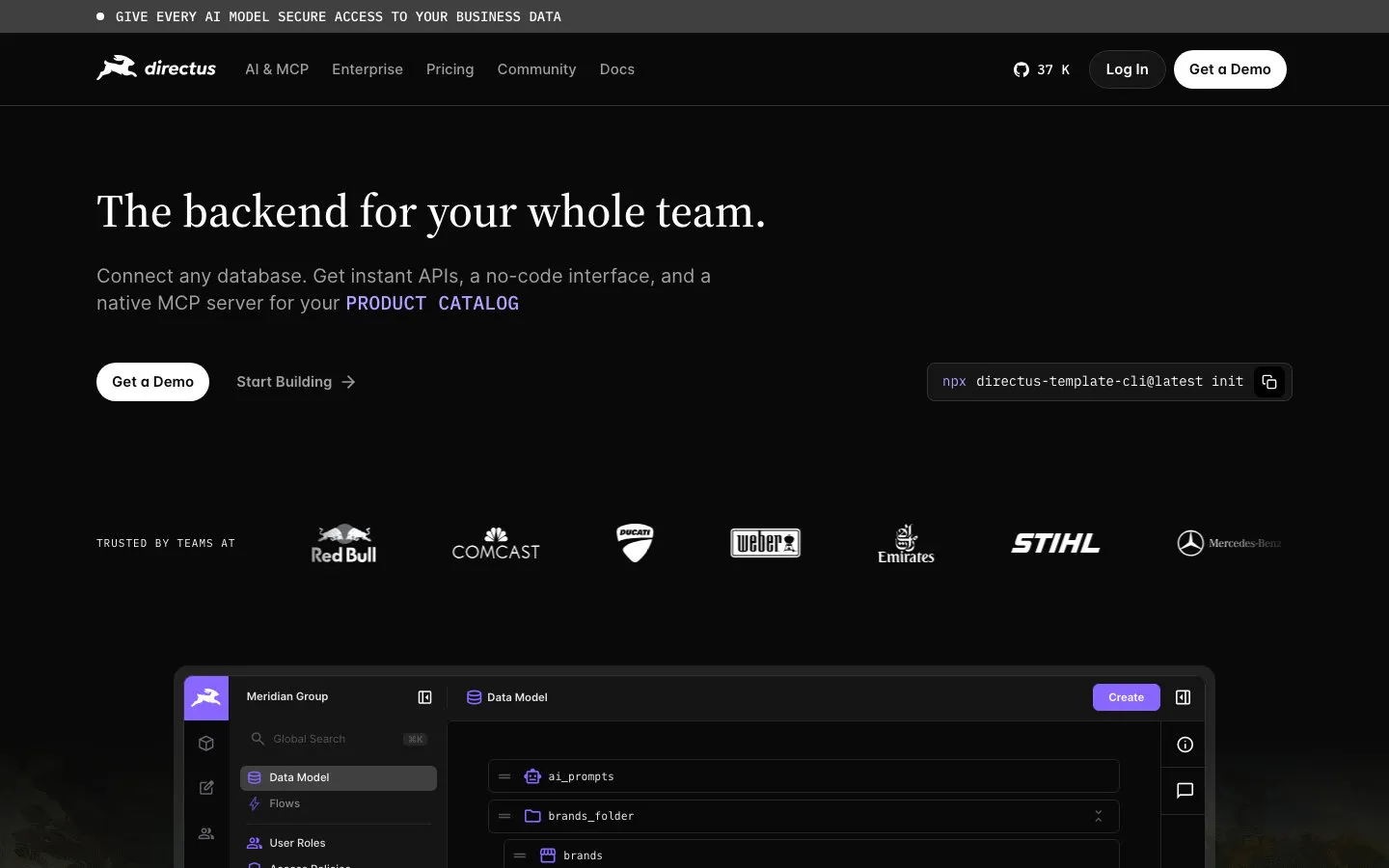
7. Directus: content APIs around a SQL data model
Directus is useful to assess when the project already has a relational data model or needs a content administration layer around SQL data. Its platform supplies REST and GraphQL APIs, permissions and automation features, with managed and self-hosted deployment options.
Database access needs careful boundaries in a store. Giving editors access to product storytelling is different from exposing order, payment or customer records. Model those responsibilities explicitly and test the public API with the same permissions the storefront will use.
Pros: SQL-oriented data modeling; REST and GraphQL delivery with granular access controls.
Cons: Permissions and data ownership need careful design; self-hosting brings infrastructure and licensing responsibilities.
Cost check: Check the current Core/Team limits, cloud add-ons and grant eligibility. Do not assume every self-hosted commercial project has the same terms. Review Directus pricing and self-hosting guidance.
8. DatoCMS: modular content with a GraphQL delivery API
DatoCMS is a candidate for editorial teams building a modular storefront content layer. Its documentation covers a GraphQL Content Delivery API, structured text, modular blocks, webhooks and Next.js visual editing.
Its editing experience can be introduced incrementally, from click-to-edit links to a side-by-side preview. Test the preview with unpublished product stories and linked records, not just a heading. The commerce API still needs to supply transactional data independently.
Pros: GraphQL content delivery; documented modular content and visual editing tools.
Cons: Your team must be comfortable designing GraphQL queries; content limits and paid overages need attention as the catalog-related content grows.
Cost check: Professional starts at €149 per month billed annually, or €199 on monthly billing. Confirm projects, collaborators and usage allowances on the pricing page.
9. Hygraph: GraphQL delivery and content federation
Hygraph is a candidate when the team wants a GraphQL content layer and needs to bring content from more than one source into the application. Its Next.js material describes schema-based content delivery and content federation alongside commerce integration options.
Federating a source does not settle which system owns the data. Before introducing another layer, trace a product page's requests and failure behavior. Decide what the shopper sees if editorial content is available but the commerce API cannot return a valid price.
Pros: GraphQL-focused delivery; federation options for projects with multiple content sources.
Cons: Adds modeling and integration decisions; availability and limits of advanced capabilities need checking against the chosen plan.
Cost check: Confirm project, environment, locale and API allowances, plus the federation features your architecture needs, on Hygraph's current pricing page.

10. Contentstack: content operations with Next.js starters
Contentstack is worth evaluating when a store's publishing process needs defined roles, workflows and coordinated content delivery. Its official Next.js kickstarts cover preview and Visual Builder integration, with variants for different rendering approaches.
Start with the workflow the business actually needs. Have an editor create a campaign, a reviewer approve it and a developer check the preview and publishing behavior. Confirm the features included in the selected CMS plan and evaluate frontend hosting separately from content delivery.
Pros: Documented Next.js starter options; visual editing and workflow capabilities to evaluate for team publishing.
Cons: More capabilities can mean more configuration; plan fit and hosting behavior need a project-specific check.
Cost check: Contentstack lists Free, Growth and Enterprise tiers. Growth is listed at $299 per month; confirm the included scope and any other platform products in the current plan comparison.
Run the same storefront trial with your finalists
Choose two or three CMS candidates and give each the same small content brief. Build one collection page, one product story and one campaign page using a sample catalog. Ask the people who will publish content to make changes themselves.
- Editing: Can an editor change a layout, replace an image and choose a valid product without a developer?
- Preview: Can a reviewer inspect an unpublished localized campaign with the correct product context?
- Publishing: Do webhooks refresh the intended pages without exposing drafts or leaving stale content?
- Commerce: Does checkout revalidate prices, availability and any applicable promotions in the authoritative commerce system?
- Recovery: What happens when either API is unavailable, a referenced product is removed or a webhook fails?
- Cost: What does the required combination of seats, environments, usage, hosting and support cost over a year?
Use that trial to decide whether the extra editing flexibility earns its integration and maintenance cost. A store with a small catalog and infrequent campaigns may need a much simpler content setup than a multi-brand operation.
Which headless CMS is best for a Next.js store?
There is no single winner for every store. Compare the editorial workflow, commerce boundary, hosting responsibility and total cost. Shortlist platforms against a realistic campaign and product-page trial before committing.
Does a headless CMS replace Shopify or another commerce backend?
Usually it manages content around the store while a commerce backend owns orders, inventory and checkout. Some platforms have commerce plugins, but their documented scope still needs checking against the store's payment, shipping and tax requirements.
Can I use a free CMS plan for a commercial store?
Check the provider's current terms, usage limits and required features. Free software or a free CMS tier does not cover frontend hosting, payment processing, implementation or maintenance. A trial plan may also have different limits from the production plan you need.
Will a headless CMS make the store faster?
It does not guarantee a faster storefront. Image delivery, JavaScript, third-party scripts, rendering choices and API behavior all affect performance. Measure the actual pages on representative devices and networks.
Scope the integration before choosing the subscription
Write down what the CMS owns, what the commerce system owns and how editors will work between them. Then request an implementation scope that covers preview, migration, publishing updates and support after launch.
StaticMania can help scope a Next.js and headless CMS website project. Its Obie case study documents a Next.js and Prismic marketing website. That is website delivery evidence; it is not an e-commerce checkout case study. Discuss your storefront requirements before selecting a platform or commissioning a build.


