

November 11, 2026
10 Best Astro Hosting Platforms for Marketing Sites in 2026

Kausar

An Astro marketing site can be a folder of prebuilt pages, an application that renders pages when someone visits, or a mix of both. That choice changes which hosting services fit. A static host can serve your landing pages and blog, while a page that reads a visitor's session needs a runtime behind it.
For a B2B SaaS team, start with the publishing workflow. How does an editor preview a draft? What happens after a CMS publish? Where does a demo-request form send its data? The best Astro hosting platform is one your team can operate through those everyday changes.
These ten options cover different deployment needs. The notes use official deployment documentation checked on 10 November 2026. We have not benchmarked these hosts, measured their uptime, or tested every integration. The order is a reading order, not a performance ranking. GitHub Pages has commercial-use restrictions that make it unsuitable for many of this article's readers; its entry explains that boundary.
Choose static or on-demand rendering first
Astro prerenders pages by default. A static deployment publishes that build output to a host. Content fetched during the build changes after another successful build and deployment. A CMS webhook can start that process, but the webhook, build and deployment must all succeed before the new page is live.
On-demand rendering runs server code for a request. Astro requires a deployment adapter for that work. The adapter and the host's runtime must support the features you use. Installing an adapter does not establish that every dependency, image service or session store will work on the target platform.
A small SaaS marketing site can keep most pages static and send forms to a separate service. A site that needs request-time personalization or protected pages has a different hosting brief. Write those requirements down before comparing free tiers. See Astro's rendering guide for the framework's deployment model.
If your team is also choosing its editing system, our CMS guide for Astro covers that decision. Hosting and CMS selection should agree on preview and publishing behavior.
1. Vercel: an option for static pages and on-demand routes
Vercel supports static Astro sites without an additional adapter. For on-demand rendering, Astro documents the Vercel adapter and the corresponding project configuration. A team can add on-demand features without assuming that its static deployment already runs server code.
The commercial plan matters immediately. Vercel's Hobby plan is limited to personal, non-commercial use. A company's marketing website should therefore be scoped against the appropriate paid plan, including the seats and usage it needs.
For evaluation, give an editor a preview deployment and ask them to check an unpublished campaign. Then publish it through the real CMS workflow. A successful Git deployment alone does not verify that CMS previews and content updates are connected.
Both rendering modes have documented deployment paths. Check commercial eligibility and usage costs before treating a free account as the production budget.
Sources: Astro on Vercel and Vercel Hobby terms.
2. Netlify: a candidate for an editor-led publishing workflow
Netlify hosts static Astro sites, and Astro documents its Netlify adapter for on-demand rendering. Its deployment guide covers both the dashboard and CLI. Netlify also documents Deploy Previews and Functions.
For a marketing team, evaluate the whole campaign workflow: preview a branch, update content and check the published URL. If you add forms or server functions, include them in the proof of concept and check how they are billed under the current plan.
Keep preview credentials and production secrets separate. An unpublished campaign should not become public because its preview URL was shared with a reviewer.
Static hosting and adapter-backed rendering are available within the platform. Build activity, delivery and backend features can affect the operating budget. On current credit-based plans, production deploys consume credits, so include frequent CMS publishes in the estimate.
Sources: Astro on Netlify and Netlify plans.
3. Cloudflare Workers: the current path for new Cloudflare projects
Astro's current Cloudflare guide recommends Workers for new projects. It points existing Pages users to migration and compatibility resources. Treat Workers and an older Pages setup as deployment paths to check separately, even though both sit under the Cloudflare name.
Workers can serve static assets and run request-time code. A team considering on-demand rendering should verify its packages against the Cloudflare runtime. Astro's troubleshooting documentation describes failures from incompatible Node.js runtime imports.
A useful trial includes the actual CMS SDK, a form handler and any image processing the site needs. Test these before deciding that a build with no errors proves production compatibility.
Static assets and application code can share the Workers platform. Runtime compatibility needs explicit testing. Review Workers pricing for dynamic requests and compute separately from static-asset delivery.
Sources: Astro on Cloudflare and Workers pricing.
4. Render: separate static hosting from a Node web service
Render's Astro guide distinguishes a Static Site from a Web Service. Static output goes to its static hosting service. An Astro application with server-side logic uses a web service; Render documents the Node adapter and a server entry point for that route.
This separation helps when your marketing site and its backend have different requirements. It also means that selecting Static Site will not run a server application merely because you uploaded the client-side output.
Decide who owns the server if you choose that deployment. Include restart behavior, logs and resource sizing in the handover. Those are operating tasks even when the platform manages the underlying infrastructure.
Choose the service type that matches your build output. Static delivery and a running Node service have different resource and billing considerations. Check the intended production plan rather than relying on a tutorial's free-tier example.
Source: Render's Astro deployment guide.
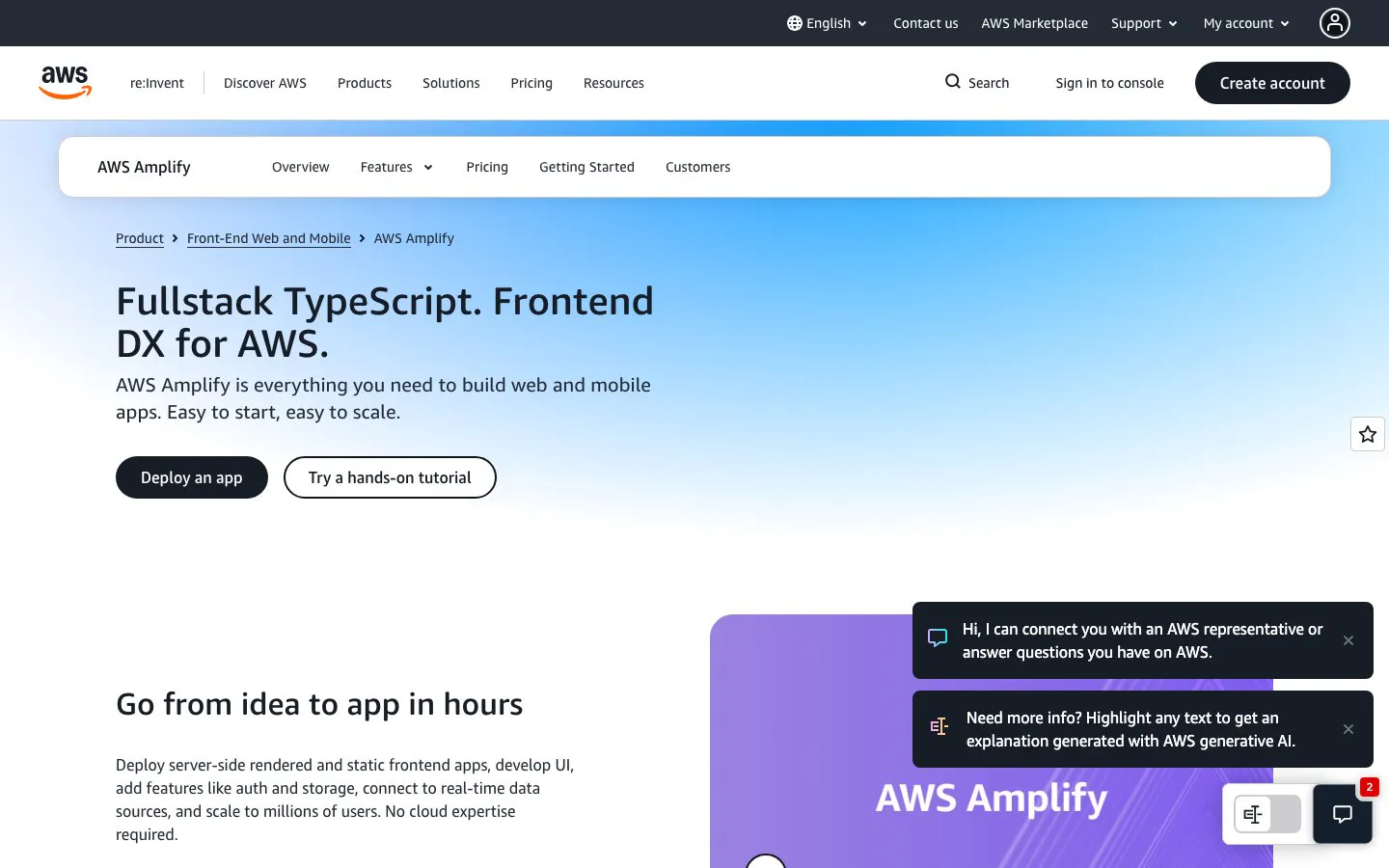
5. AWS Amplify Hosting: for teams with an AWS operating model
The AWS entry here evaluates Amplify Hosting. Astro's AWS guide describes connecting a repository, configuring the build and publishing the generated static files. It also documents on-demand rendering through a third-party, community-maintained Amplify adapter.
That adapter's maintenance and compatibility are part of the evaluation. A team should check it against its Astro version and required server features before promising an SSR deployment. The static deployment path has a smaller integration surface.
Amplify is worth considering when the business already has people responsible for AWS access and billing. Agree on account ownership, deploy permissions and budget alerts before handing the site to marketing.
An existing AWS team can keep deployment within its account. On-demand rendering adds a community adapter dependency. Estimate build, storage and delivery costs using the actual Amplify pricing model.
Sources: Astro on AWS and Amplify pricing.
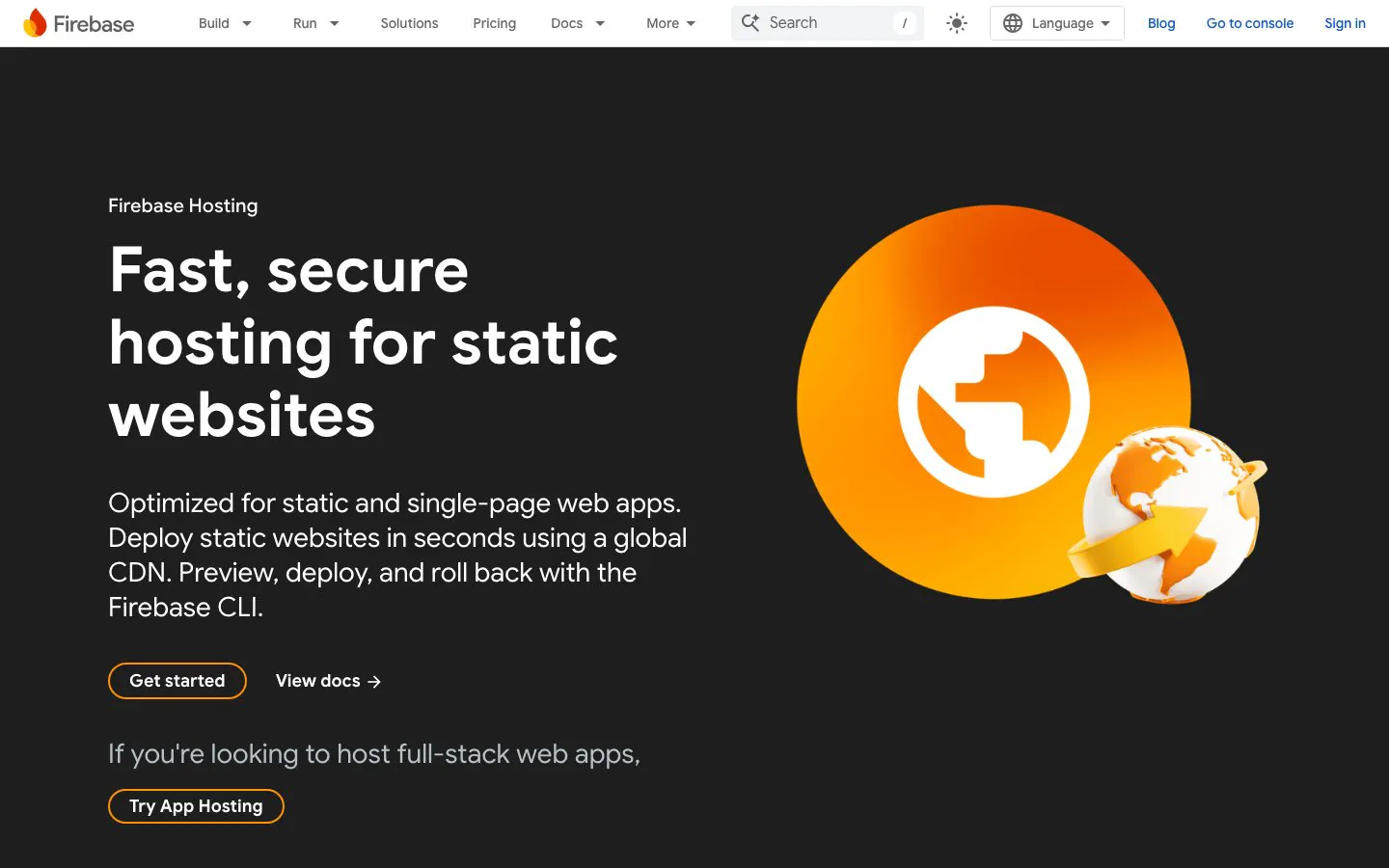
6. Firebase Hosting: distinguish static hosting from experimental SSR setup
Astro documents Firebase Hosting for static output and a Node-adapter path for server-side rendering. Its SSR guide requires the Blaze plan or higher and enables Firebase's experimental web-framework support.
For a business choosing a long-lived hosting setup, that experimental step deserves a deployment trial. Check which parts the tooling configures, how the server is deployed and who will maintain the result. Do not equate a static Hosting deployment with an automatically supported Astro server.
A team already using Firebase can evaluate whether shared account administration simplifies ownership. Hosting does not itself require moving the marketing site's editorial content into a Firebase database.
The static path and the SSR route have different requirements. The documented server setup needs the appropriate billing plan and experimental tooling. Use the Firebase calculator for the services the project will actually invoke.
Sources: Astro on Firebase and Firebase pricing.
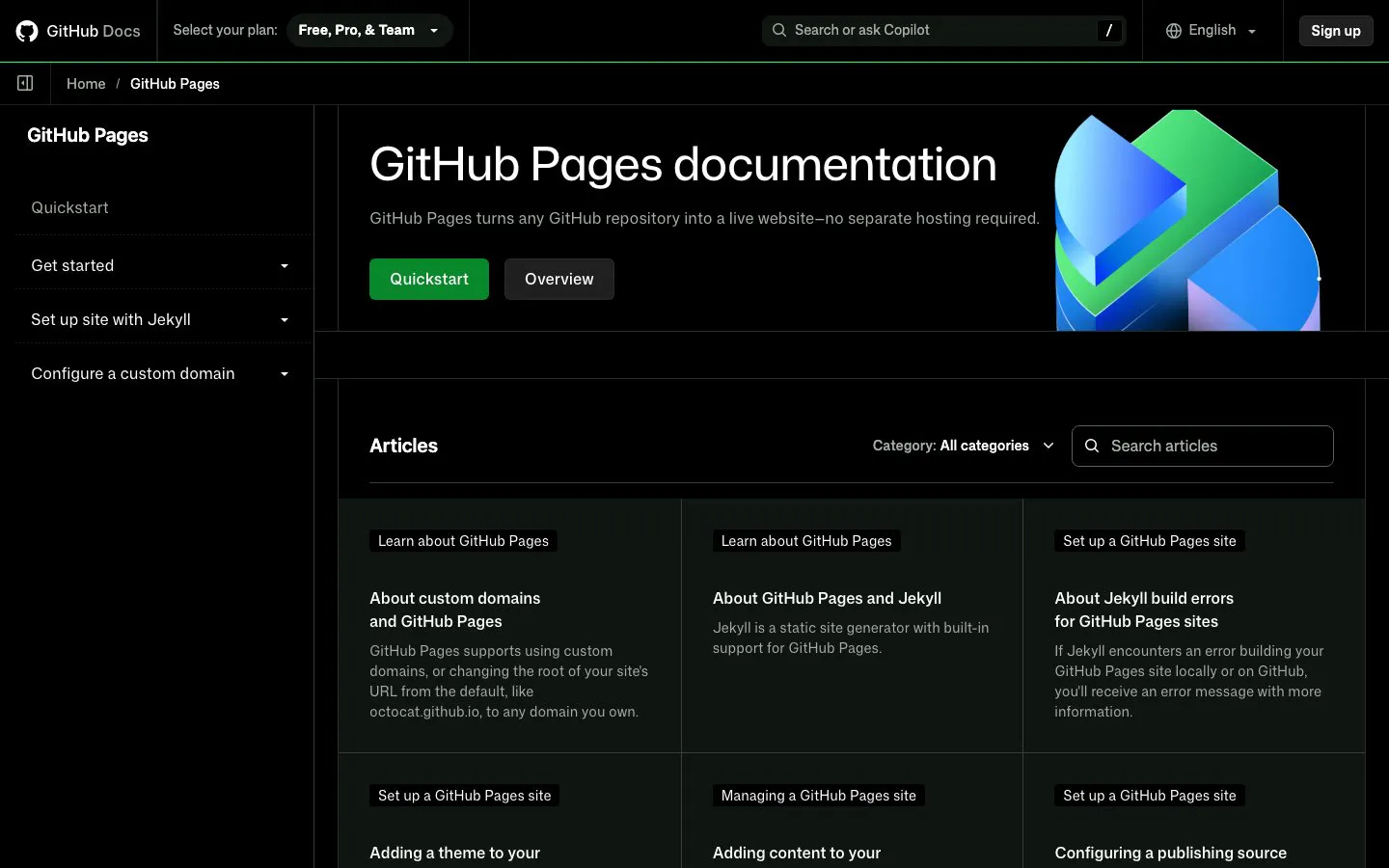
7. GitHub Pages: a restricted option for documentation and project sites
GitHub Pages serves prerendered Astro output. Astro maintains an official GitHub Action for that deployment, making it a documented option for repository-based static publishing.
Its permitted use is the bigger decision for a SaaS business. GitHub says Pages cannot be used as a free host to run an online business, an e-commerce site, or a site primarily facilitating commercial transactions or providing commercial SaaS. Do not choose it as the default host for a revenue-generating website without checking that the intended use is permitted.
Evaluate it for an appropriate project or documentation site, with forms and other server work handled elsewhere. Request-time Astro rendering is outside this static deployment path.
The build-and-publish workflow stays close to the code. Commercial-use restrictions and static-only hosting can rule it out before a technical trial begins.
Sources: Astro on GitHub Pages and GitHub Pages limits.
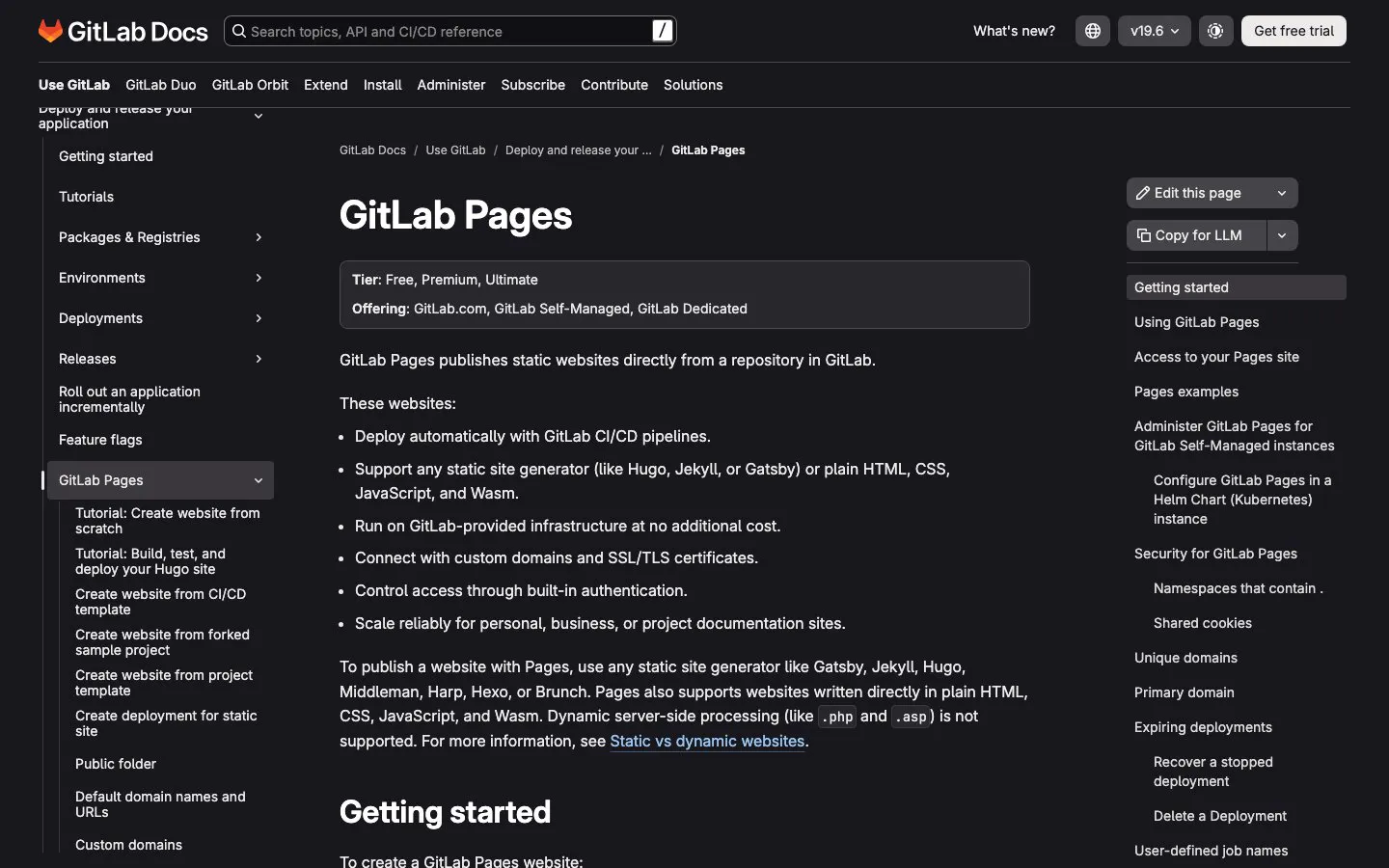
8. GitLab Pages: static publishing for a GitLab-based team
Astro's GitLab Pages guide builds and deploys through GitLab CI/CD. It requires the source code to be hosted on GitLab and describes the site and base-path configuration used for deployment.
This is a candidate when the team already reviews changes and runs pipelines in GitLab. A CMS publish still needs a mechanism to trigger a new build if the content was fetched at build time. Test that path with the editor who will use it.
Treat Pages as static hosting in this comparison. Put request-time application behavior on a suitable runtime, and account for the extra service in the architecture and budget.
Publishing can stay within an existing GitLab pipeline. Your team owns its configuration and must check compute-minute, storage and account-plan allowances. A simple static host does not remove those CI responsibilities.
Sources: Astro on GitLab Pages and GitLab plans.
9. Azure Static Web Apps: a static-first option in an Azure environment
Astro documents deployment to Azure Static Web Apps from a GitHub repository, including a Visual Studio Code workflow. Microsoft's service combines a static frontend with options for serverless APIs.
For this comparison, the documented static Astro deployment is the starting point. The availability of API hosting does not establish that an arbitrary Astro server build will run unchanged. Check the integration path for every request-time feature separately.
This can be a useful candidate when the organization already administers Azure subscriptions. Ask the people who own that environment to review access, domain setup and the production service tier before migration.
The documented path covers a static Astro deployment. Server-side requirements need their own design. Microsoft describes Free for hobby or personal use and Standard for general production workloads; review the production features your site needs.
Sources: Astro on Azure and Static Web Apps pricing.
10. Deno Deploy: for a team prepared to validate the Deno runtime
Astro's Deno guide covers static deployment and on-demand rendering through the @deno/astro-adapter package. It describes deployment through GitHub Actions or the Deploy CLI, as well as running Astro on a Deno server.
For a production shortlist, test the packages your site depends on in the target runtime. Include your CMS client and any server-side integrations in that trial. A local development server is not evidence that the deployed application will behave the same way.
Runtime familiarity should influence this choice. A team that understands the deployment and troubleshooting workflow can assess it more realistically than one choosing solely from a free-plan allowance.
The documented Astro adapter provides a deployment path for Deno. Verify runtime and dependency compatibility for the project. Review current Deploy pricing and limits against the expected application workload.
Sources: Astro with Deno and Deno Deploy pricing.
Run a publishing trial before migrating
Shortlist two suitable hosts and use the same representative pages on each. Include a landing page with your real image sizes, a blog post from the CMS and the form that creates a sales enquiry. Use test records for form checks.
Have an editor change a headline and replace an image. Measure the time until the published page changes, and check what happens when a build fails. If a draft is confidential, verify its preview access from a signed-out browser.
Test redirects from the old site, a missing URL and the canonical tags. A homepage returning 200 does not establish that a migrated blog or campaign URL works. Check analytics and the form destination on the deployed site before switching the domain.
Compare operating cost using your expected publishing activity and traffic. Count seats, builds and backend usage where the host charges for them. Also count the time your developers need to maintain adapters, pipelines and integrations. Keep the estimate separate from measured production usage.
For a framework-neutral overview, see our static website hosting guide. The host shortlist for your Astro site should follow its rendering and operating requirements.
Does Astro require server hosting?
Prerendered pages can be served by a static host. On-demand routes need an adapter and a compatible runtime. Choose hosting against the features your project uses.
Will changing hosts make an Astro site faster?
That needs measurement. Images, scripts, caching and request-time data access all affect the visitor's experience. Test representative pages from the regions and devices your audience uses before claiming a performance improvement.
Can we keep the marketing site separate from the SaaS application?
Yes. Define the domain, authentication and integration boundaries so that the marketing site can be deployed independently. Check any shared navigation, forms and analytics as part of the handover.
Scope the deployment before switching the domain
StaticMania can help scope an Astro marketing-site build or migration, including the CMS publishing workflow and launch checks. Bring your current URL list, editing needs and server-side requirements to the discussion so the hosting decision follows the site's actual workload.


