February 2, 2025

Md. Saad
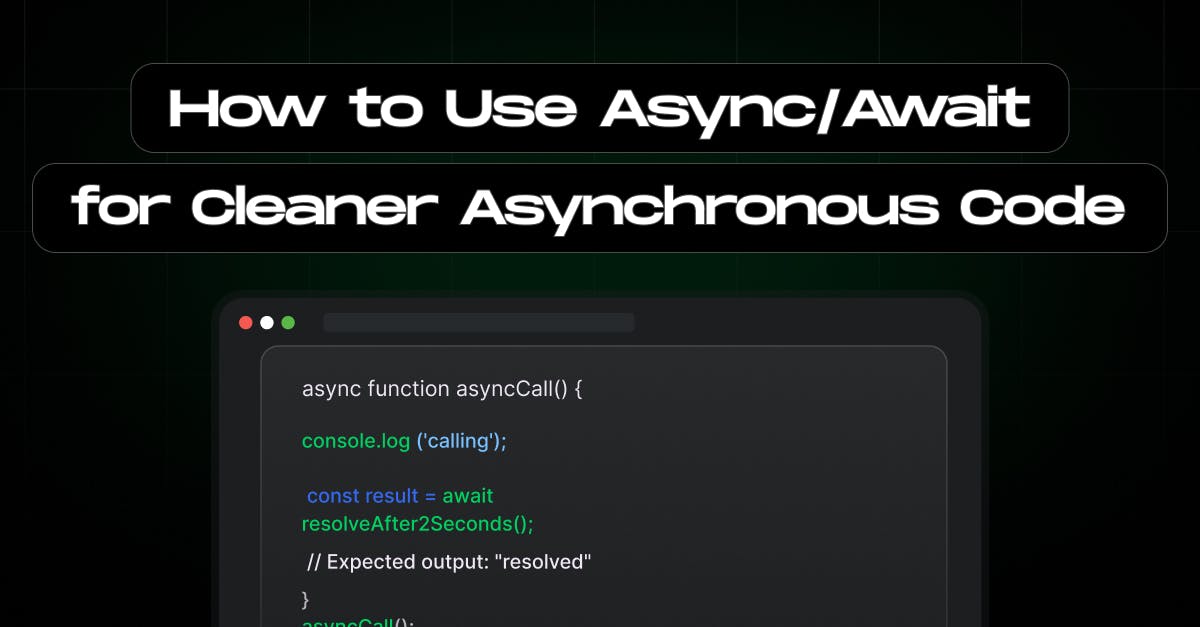
An important part of modern JavaScript development is asynchronous programming. It enables your applications to manage numerous activities at the same time, enhancing responsiveness and overall performance. However, working with asynchronous code can be tricky, particularly when callbacks or even Promises are used. This might result in code that is hard to read and maintain.Async/Await is a syntactic sugar introduced in ES2017 (ES8) that simplifies and makes asynchronous code easier and more readable.
In this article, we’ll explore how to use Async/Await effectively to write cleaner, more maintainable asynchronous code.
At its core, Async/Await is built on top of Promises. It provides a way to write asynchronous code that looks and behaves like synchronous code. This allows developers to write asynchronous code more synchronously and readably. Here’s a quick breakdown:
Here’s a simple example:
Suppose, you have a Promise like the below example:
// Using Promises
function fetchData() {
return new Promise((resolve) => {
setTimeout(() => resolve("Data received"), 1000);
});
}We can achieve the same goal using an async/await function:
fetchData().then((data) => console.log(data));
// Using Async/Await
async function fetchDataAsync() {
const data = await fetchData();
console.log(data);
}
fetchDataAsync();To use await, the function must be declared with the asynckeyword:
async function exampleFunction() {
// Your asynchronous code here
}Use await to pause the function execution until the Promise resolves:
async function getData() {
const response = await fetch('https://api.example.com/data');
const data = await response.json();
console.log(data);
}
getData();To understand how Async/Await works behind the scenes, it’s essential to revisit its foundation: Promises. Here’s what happens step-by-step when you use Async/Await:
When you declare a function with the async keyword, JavaScript automatically wraps the return value of that function in a Promise. If the function explicitly returns a value, it becomes the resolved value of the Promise.
async function example() {
return "Hello, World!";
}
example().then(console.log); // Logs: Hello, World!The await keyword pauses the execution of the async function until the awaited Promise resolves or rejects. During this pause, the JavaScript engine continues executing other tasks in the event loop, ensuring non-blocking behaviour.
async function demo() {
console.log("Start");
const data = await new Promise(resolve => setTimeout(() => resolve("Done"), 1000));
console.log(data);
}
demo(); // Logs: Start (waits 1 second) DoneIf the awaited Promise rejects, the error is thrown within the async function. This can be caught using try...catch or handled via .catch() on the returned Promise. Such as, wrap your awaitexpressions in a try...catch block to handle errors:
async function fetchWithErrorHandling() {
try {
const response = await fetch('https://api.example.com/data');
if (!response.ok) {
throw new Error('Network response was not ok');
}
const data = await response.json();
console.log(data);
} catch (error) {
console.error('Fetch error:', error);
}
}
fetchWithErrorHandling();Async/Await integrates seamlessly with JavaScript’s event loop. When an await expression is encountered, the function execution is paused, and the engine processes other tasks in the event loop. Once the awaited Promise settles, the function resumes execution.
By leveraging Promises under the hood, Async/Await provides a cleaner and more synchronous-looking interface for managing asynchronous tasks without blocking the main thread.
You can only use await inside an async function. Forgetting the async keyword will result in a syntax error.
Using awaitin loops can cause performance issues since each iteration is processed sequentially. Instead, use Promise.all for parallel execution:
// Inefficient
async function processSequentially(items) {
for (const item of items) {
await processItem(item);
}
}
// Efficient
async function processInParallel(items) {
await Promise.all(items.map(item => processItem(item)));
}Always handle errors in async functions to prevent unhandled Promise rejections. Use try...catch blocks or .catch() on the returned Promise.
Async/Await makes JavaScript asynchronous programming more understandable and simple. Making asynchronous code easier to write, read, and debug helps developers build scalable and maintainable applications. Async/Await is an effective tool to have in your arsenal, whether you're running background processes, executing file operations, or retrieving data from APIs.
Start refactoring your asynchronous code today with Async/Await and experience the difference it makes in your projects!
Wants more tips on Javascript , Next.js and React.js? Follow staticmania.com.
Async/Await is a feature introduced in ES2017 (ES8) that simplifies handling asynchronous operations in JavaScript. It allows developers to write asynchronous code that looks and behaves more like synchronous code, making it easier to read and maintain. Async functions always return a Promise and await pauses execution until the Promise resolves or rejects.
Traditional asynchronous programming using callbacks or Promises can lead to nested structures that are hard to follow. Async/Await removes this complexity by allowing developers to write code in a linear, synchronous-like structure, reducing indentation and improving readability.
The error is thrown inside the async function if an awaited Promise is rejected. To handle errors properly, use a try...catch block inside the async function. Alternatively, you can use .catch() on the returned Promise to catch errors outside the function.
Yes, but using await inside loops can cause performance issues since each iteration will wait for the previous one to complete. Instead, for parallel execution, use Promise.all() to run multiple async tasks simultaneously.
When an await expression is encountered, the function's execution pauses, allowing other tasks in the event loop to run. Once the awaited Promise resolves, the function resumes execution, ensuring non-blocking behaviour in JavaScript.
Some common mistakes include: